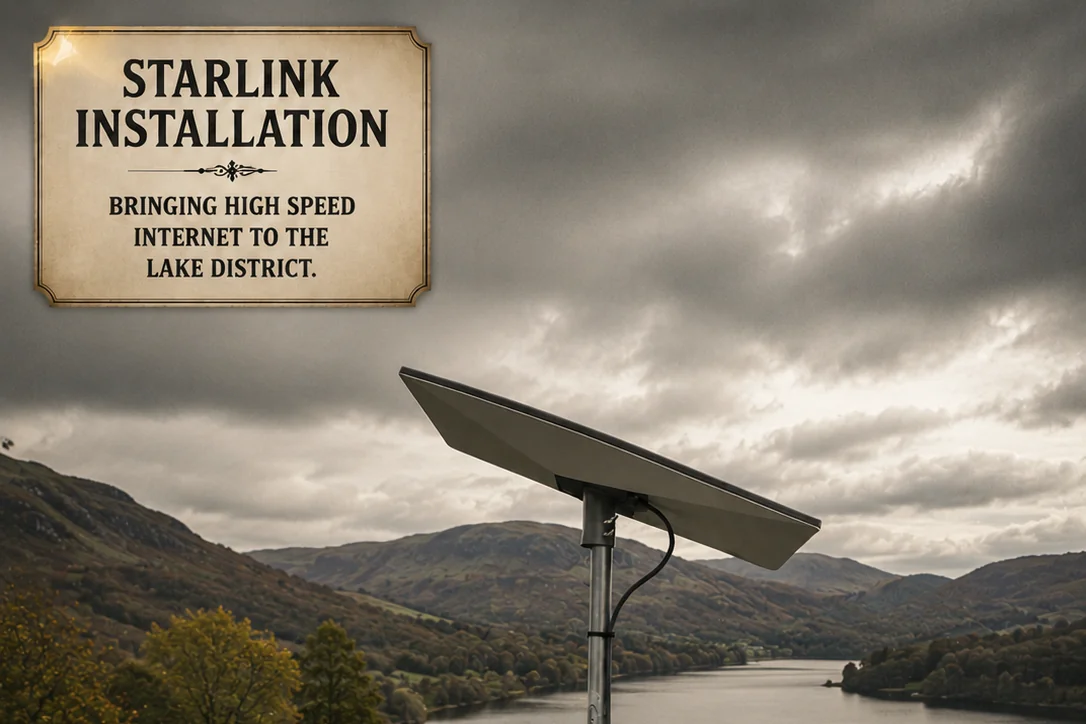
If you live or run a business anywhere from Windermere up to Keswick, you've probably already had the Starlink conversation. The neighbour with the dish on the gable end gets fast broadband. The neighbour without one is still on a 12 Mbps fixed-wireless link from a mast on the other side of the lake. The question we get asked most often in 2026 is simply:
"Is Starlink actually worth it up here, or should I just wait?"
This guide is the honest answer, written by an installer who's been fitting Starlink across the Lakes most months for the past two years. Real-world speeds at real Lakeland addresses, what the planning rules actually say, the mounting options ranked by what survives a Lakes winter, and the cost maths against fibre — including when we'd tell you not to bother.
What 2026 Starlink actually delivers across the Lakes
Forget the headline marketing figures. Here's what we measure on the ground when we hand a Lakes install over to the customer at sign-off. These are real, unscientific but consistent numbers from the residential Standard plan (£75/month at time of writing), on a clear-sky-view mount:
| Location | Typical down | Typical up | Ping |
|---|---|---|---|
| Windermere town centre | 150–250 Mbps | 18–30 Mbps | 30–40 ms |
| Bowness & lakeside | 140–230 Mbps | 15–28 Mbps | 32–45 ms |
| Ambleside | 130–220 Mbps | 15–25 Mbps | 35–45 ms |
| Hawkshead | 130–210 Mbps | 14–24 Mbps | 35–50 ms |
| Troutbeck / Kentmere | 110–200 Mbps | 12–22 Mbps | 38–55 ms |
| Higher fell properties | 100–180 Mbps | 10–20 Mbps | 40–60 ms |
A few things to note:
- Speeds have improved noticeably in 2025–26. Two years ago we'd see 80–150 down on the same plan. Gen 2 satellites coming online (plus inter-satellite laser links) have made a real difference, particularly during evening peaks.
- Upload is the limitation. If you're a videographer, photographer or you push large files to cloud storage daily, the 15–30 Mbps up will feel slow compared to fibre's symmetric 100+ Mbps. For everyone else — calls, streaming, browsing, gaming — it's plenty.
- Ping is workable, not exceptional. 30–50 ms is fine for video calls and most online gaming. Competitive twitch shooters will notice a difference vs fibre's 10–15 ms.
- Stability has improved. Outages are now rare — we typically see brief 1–3 second drops once or twice a week, mostly during heavy rain. Worse than fibre, much better than rural 4G.
Planning permission in the Lake District National Park
This is where most local searches get bogged down in misinformation. Here's the actual picture as of 2026:
Permitted development covers most installs
A standard Starlink dish (the residential and Mini models) is under 100 cm and treated as a satellite antenna under permitted development rights in England, including within the Lake District National Park. For most properties this means no planning application is needed — provided:
- It's not on a listed building (see below)
- It's not on a scheduled ancient monument
- The dish itself is sited so it isn't the first thing visible from a public highway (where reasonably practical)
- It doesn't exceed the maximum height above the roof ridge
We always check the LDNPA's online planning portal for your specific address before quoting. About 5% of our Lakes installs need some kind of consent — and almost all of those are listed buildings.
Listed buildings need Listed Building Consent
If your property is Grade II, II* or I listed, you can't simply bolt a dish to the front gable. You'll need Listed Building Consent from the LDNPA, which is grantable — we've successfully helped customers get consent in conservation areas around Hawkshead and on Grade II properties near Bowness — but you'll need to demonstrate:
- The mounting position minimises visual impact (back of building, low-profile mount, hidden behind chimney)
- Cabling is routed sympathetically (existing voids, dark-finish UV cable, no surface-mounted trunking on the front elevation)
- The fixings can be reversed without damaging historic fabric
We've never had a consent application refused outright when these conditions are met. We're happy to talk you through it before you commit to the install.
Conservation areas
Most of the conservation areas in the National Park don't add extra restrictions beyond permitted development for the dish itself, but some local restrictions apply to how you mount and route cabling. Pole mounts on the most visible elevation usually attract objection. Chimney-strap mounts and gable-end mounts on the rear elevation almost never do.
Mounting options ranked by what survives a Lakes winter
This is where most cheap installs fall apart. Lakes weather is genuinely punishing — driving rain, persistent damp, gale-force gusts off the fells, and freeze-thaw cycles that find every weakness in a sealant joint. Here are the mounting options we use, ranked by how well they hold up:
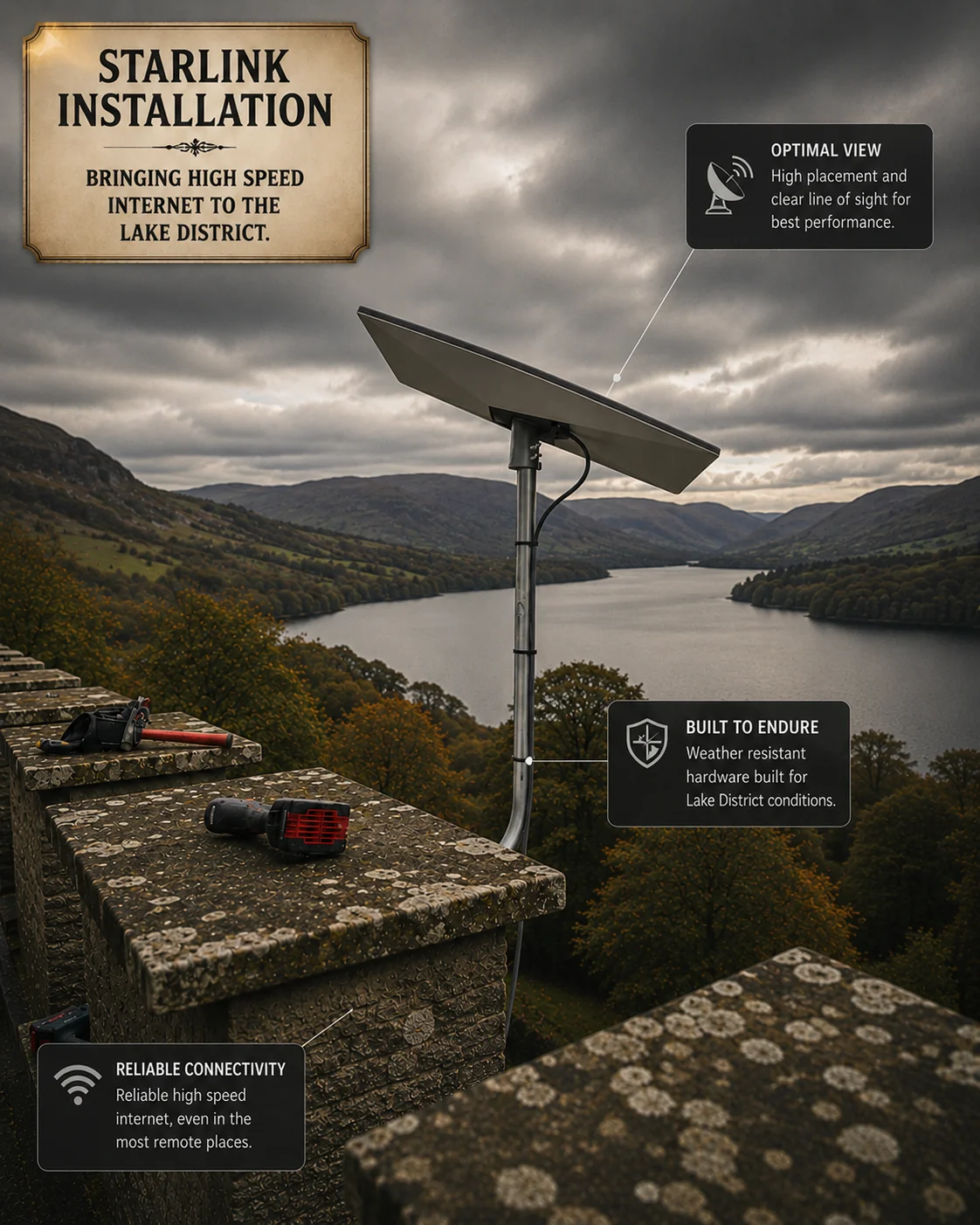
1. Pole mount on a steel chimney strap (our preferred install)
A galvanised pole strapped to the chimney stack, with a stainless dish mount at the top. Pros:
- No drilling through slate, stone or rendered walls. Zero penetrations means zero ingress risk.
- Excellent sky view — chimneys are usually the highest point with the clearest view of the southern sky (which is where the Starlink satellites concentrate over the UK).
- Reversible — the property can be returned to original state with a screwdriver and 20 minutes of work.
Cons: requires a sound chimney stack. We won't install on a chimney that's spalling, leaning or has loose pointing — we'll do a quick visual check before quoting.
2. Gable-end mount with through-fixing into a structural element
Where chimney mounting isn't viable, we through-fix a low-profile bracket directly into a stone gable or a structural lintel above a window. Pros: extremely solid. Cons: requires through-stone drilling, which on a Lakeland slate-and-stone wall is genuinely hard work (related: our post on running Cat6a through 1-metre Yorkshire farmhouse walls — Lakes walls are the same beast in slate form).
Where the gable faces a public road or footpath we'll usually pick a different elevation to keep things sympathetic to the building.
3. Ground-pole mount on a concrete foundation
For properties where neither the roof nor the gable is suitable — bungalows tucked under tree cover, properties where the sky view requires the dish to be 30 m from the building — we set a galvanised pole into a small concrete foundation, with armoured outdoor cable run back to the house in conduit.
This is our favourite option for agricultural sites, holiday-let car parks and lakeside properties where the building itself doesn't have a clear sky view. It's more work to install (a half-day, sometimes a full day) but it's bombproof once done.
4. Wall-bracket mount (only when we have to)
A standard wall bracket fixed into a stone or rendered wall. We'll use this when the planners specifically require it — typically for listed buildings where the chimney or roofline can't be touched. We use marine-grade stainless fixings, UV-rated weather seals, and we lead-flash the entry point. It works fine, but it's third-choice if the property allows for a pole or chimney mount.
5. The supplied non-penetrating "feet" base (rarely)
Starlink supplies a free-standing base in the box. In the Lake District we almost never use it. The first time the wind picks up from the wrong direction it'll either lift, slide, or sit in a puddle for six months and rust the dish base. It's fine for a static caravan on hardstanding; it isn't fine for a Lakeland property.
The cost maths: Starlink vs fibre
Let's do the honest comparison for the typical Lakes property.
Starlink Standard
- Kit cost: £349 one-off (residential) — supplied by Starlink direct
- Subscription: £75/month
- Professional install: from £295 + VAT (our standard Lakes install — pole-mount on the chimney, cable route, indoor router config, Starlink app walk-through)
- First-year cost: £349 + (£75 × 12) + £295 + VAT = ~£1,594
- Year 2 and beyond: £900/year subscription
Full-fibre (where available)
- Kit cost: usually £0 (supplied by ISP)
- Subscription: typically £30–55/month for 500 Mbps – 1 Gbps in 2026
- Professional install: £0 (Openreach engineer covered by line install fee)
- First-year cost: ~£500–700
- Year 2 and beyond: £400–650/year
Fibre is meaningfully cheaper when it's available. No serious installer would tell you otherwise. The question is what to do when it isn't.
Fixed-wireless from a local provider
- Common around the Lakes — providers like B4RN, Broadband4thefells and others run wireless links from local masts
- Speeds typically 30–100 Mbps where the line-of-sight is clean
- Subscription £40–60/month
- Install £150–400 depending on the equipment needed
- Worth it if a provider already serves your hamlet with a good link. Not worth it if you'd be the customer at the very edge of their coverage — that's where you get the install bill plus disappointing speeds.
When Starlink genuinely is the right answer
If you're:
- More than 12 months out from a confirmed fibre rollout date
- On a copper line stuck at 8–25 Mbps
- Using 4G with usage caps or unreliable evening speeds
- Running a holiday let where guests review you on the broadband
- A home-worker who needs reliable upload for cloud work
- Off-grid or in a hamlet without commercial fibre interest
…then Starlink pays for itself in about a year when you cost in the time and frustration you currently lose to poor broadband. The kit holds its value, the dish lasts five-plus years, and the subscription can be paused if you sell the property.
What we actually install (and why)
A typical Lakes Starlink job for us looks like this:
- Free phone consultation and obstruction-tool check before we travel. Sometimes it's clear that even Starlink won't work at the property due to terrain — we'll tell you before quoting.
- Onsite survey — sky-view check from the proposed mounting points, structural assessment of the chimney/gable, planning check for the address.
- Pole mount, chimney strap, or ground pole as appropriate (see ranking above).
- Weatherproof outdoor cable run — UV-rated, properly clipped, routed under eaves and through existing voids where possible.
- Configure the supplied Starlink router, or replace it with a customer-supplied TP-Link Omada / UniFi router for VLAN integration, dual-WAN failover, or proper guest-network management.
- Speed and stability tests at the property before sign-off, plus a Starlink app walk-through.
For holiday lets and small businesses we'll usually pair the dish with a proper mesh WiFi 6/6E/7 install on top — there's no point getting 200 Mbps to the dish if the slate party walls then knock it down to 8 Mbps in the back bedroom. For commercial customers we'll often integrate it as the failover WAN on a business network so the primary fibre keeps doing the heavy lifting and the Starlink picks up if the fibre dies.
From the field — Alex
The Lakes mounting job I remember most was an Ambleside cottage where the customer had bought Starlink direct, tried the supplied non-penetrating base on a flat patio for six months, and watched it slowly migrate across the patio in the wind. The dish was still working — but at one point it had ended up pointing south-east into a yew tree, and the Wi-Fi in the cottage had quietly dropped from a usable connection to nothing. We swapped it onto a galvanised chimney pole mount in an afternoon, ran a single armoured cable down into the lounge, and the customer's speeds doubled overnight. The supplied base is fine on a caravan. It is not fine on a Lakes patio.
Where Starlink doesn't help
To be clear about what Starlink won't do for a Lakes property:
- It won't fix slow WiFi inside the building. Lakeland slate and stone walls absorb 5 GHz roughly as aggressively as Yorkshire gritstone. A fast satellite link with a junk WiFi router behind it produces the same drop-outs you have today.
- It won't compete with a real fibre line. If you have a usable fibre quote sitting in your inbox, take the fibre.
- It won't reduce business latency. If you trade on millisecond ping times, Starlink is not your tool.
- It won't run forever in extreme weather. During a once-a-decade biblical storm the dish will drop. So will your power, your phone signal, and any roof tiles you don't pin down.
Coverage and surveys
We cover the whole of the Lake District from our base in Knaresborough — most days in Windermere, Bowness and Ambleside, with regular work out to Hawkshead, Troutbeck, Kentmere, Staveley, Coniston, Keswick and Ulverston. We also cover the rest of Yorkshire including Harrogate and York, and we install Starlink anywhere we can drive to — farms in the Dales, off-grid builds in Northumberland, holiday lets on the North York Moors. Most surveys can be booked within a week, and a typical Lakes Starlink install is a half-day to a full day on site.
Quick recap
- 2026 real-world speeds across the Lakes: 120–250 Mbps down, 15–30 Mbps up, 30–50 ms ping on the residential plan. Plenty for almost everything.
- Most Lakes installs need no planning permission — dishes under 100 cm fall under permitted development. Listed buildings and the most prominent conservation-area elevations are the exceptions.
- Mount it on a chimney pole if you can, ground pole if you can't, wall bracket only when planning forces it. Avoid the supplied free-standing base.
- It's not cheaper than fibre when fibre is available — but where fibre isn't, Starlink at £75/month is the most cost-effective option in 2026.
- It's a brilliant business failover — pair it with a dual-WAN router and you stop noticing primary-line outages.
- It won't fix bad WiFi inside the property — the dish is the broadband, you still need proper mesh WiFi 6/6E/7 access points to get it into every room of a slate-walled cottage.
If you'd like us to check whether Starlink will actually work at your specific Lakes address — or talk you through whether to wait for fibre instead — see our Starlink install service or book a free survey. We promise an honest answer, including telling you not to bother where that's the right call.